Model prep in minutes, not hours
AI identifies your teeth, suggests cut loops and orients your models. Then slice and sculpt in the browser. You review every suggestion before it is applied.
From scan to print-ready model
AI-assisted prep, slicing and sculpting, plus the tools to run your lab in one platform.
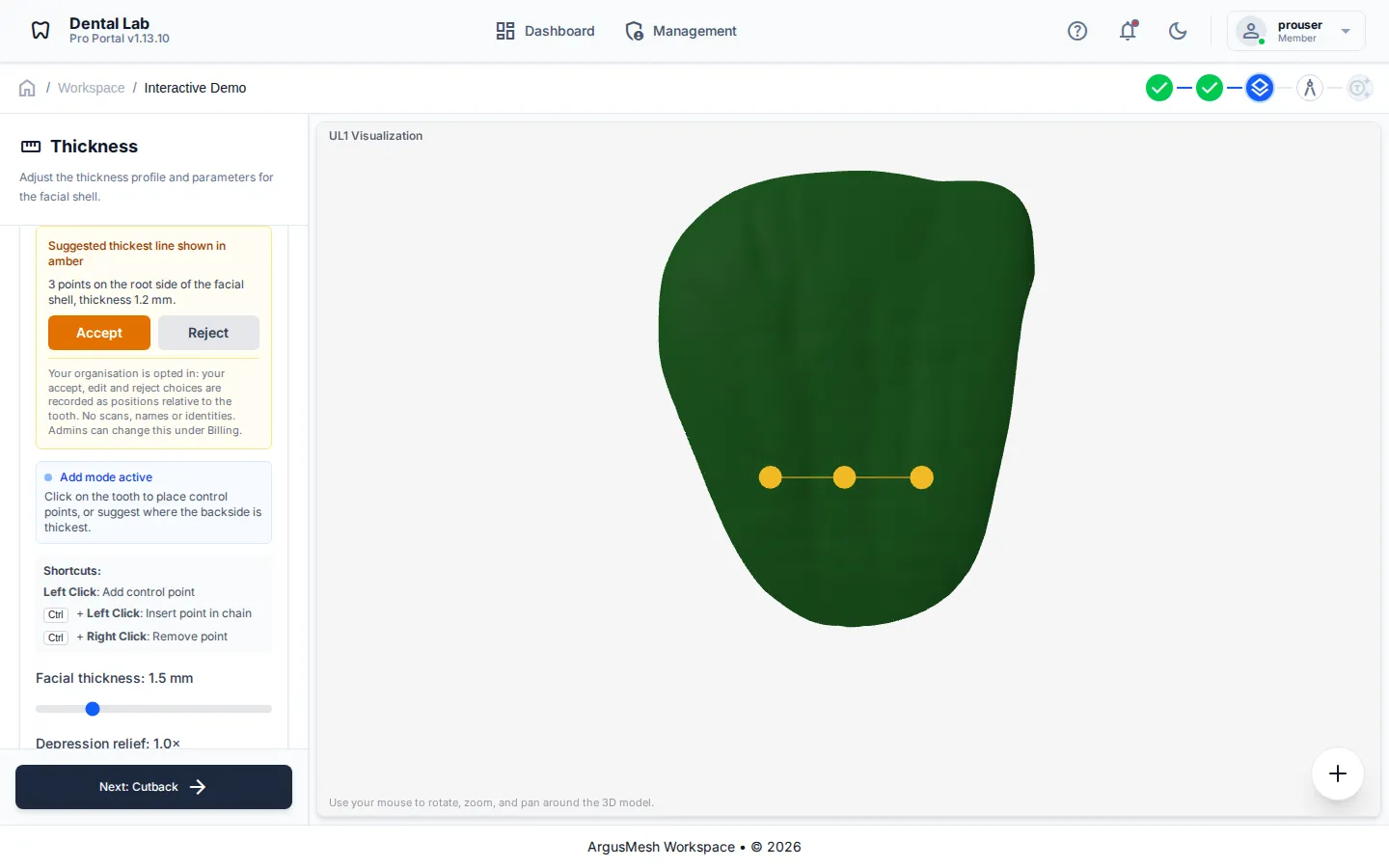
AI-Assisted Prep
Automatic tooth identification, cut-loop suggestions and auto-orientation take care of the repetitive steps. Every suggestion is a preview you accept, edit or reject.
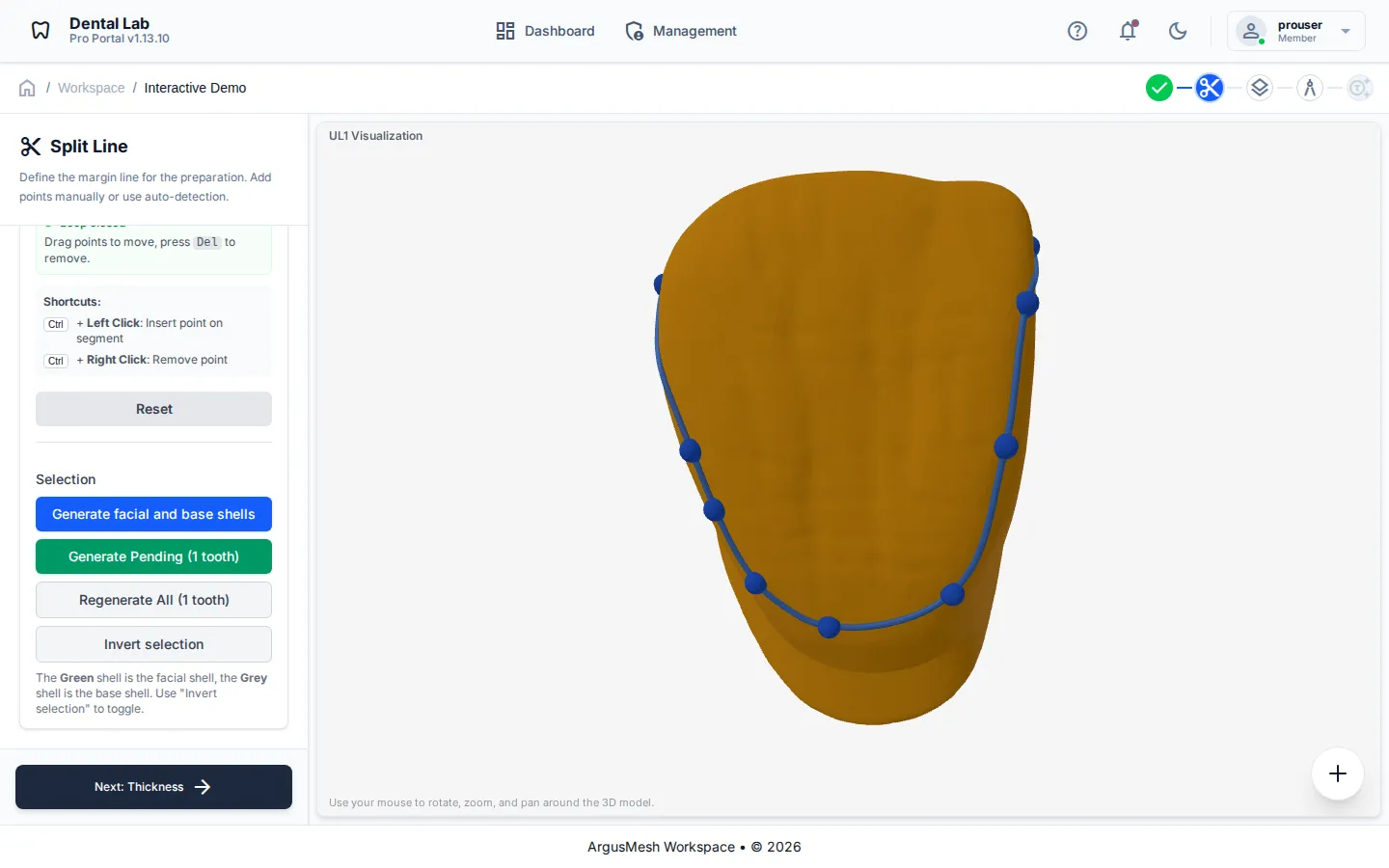
Slicing
Cut each model into layers with a guided loop, starting from the suggested cut or your own.
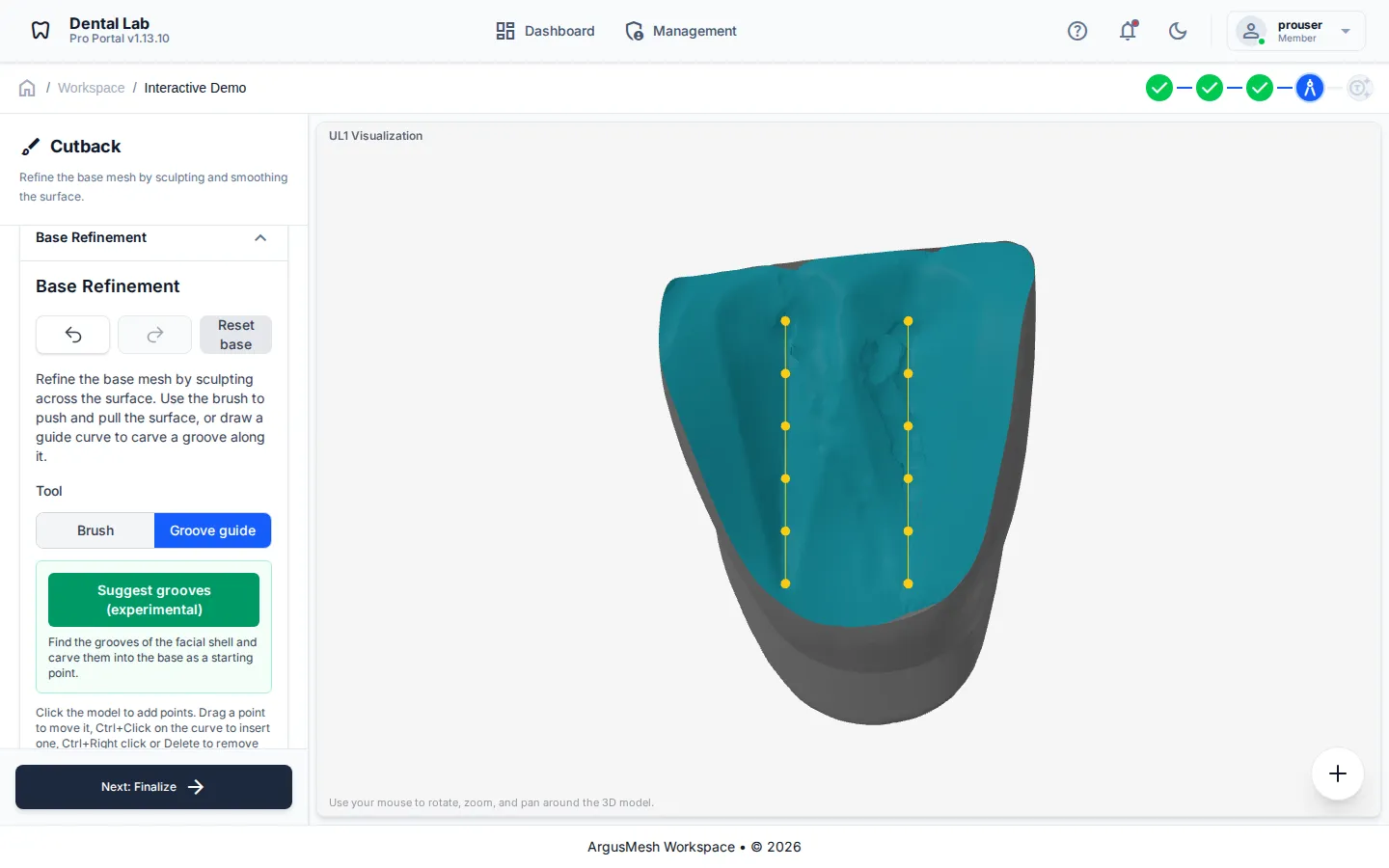
Sculpting
Shape bases and backsides, including developmental grooves and lobe contours, right in the viewer.
Native 3D Viewer
View scans directly in your browser without expensive hardware. Supports STL, OBJ, and PLY formats.
Cloud Storage in the EU
Your files are encrypted in transit, kept separate for each organisation and hosted in Germany, so you can open them from any device.
Case Tracking
Keep every case, client and patient in one place. Set a due date, mark each project open, closed or delivered, and filter the dashboard by status.
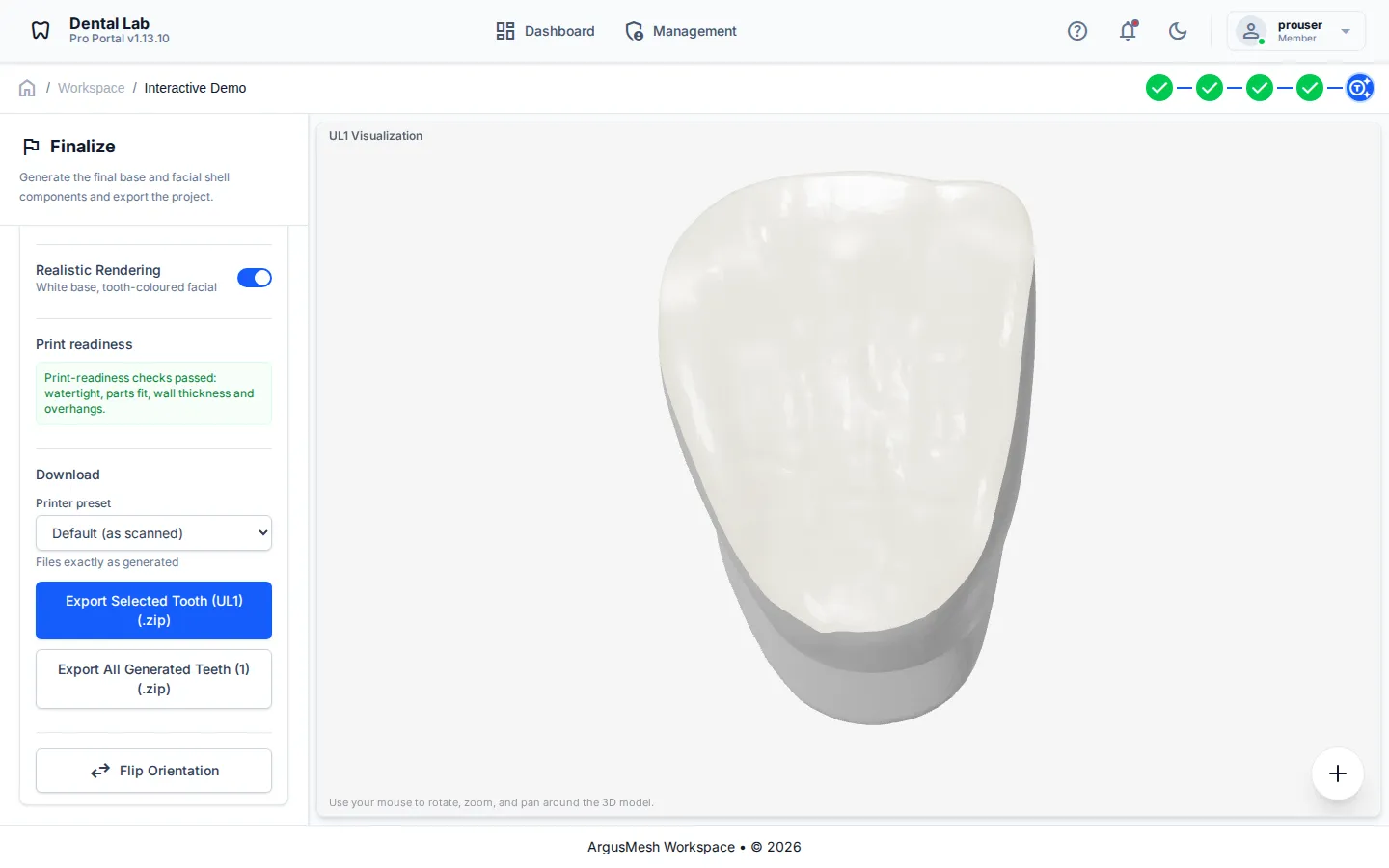
One workspace for the whole lab
Stop passing case files around on USB drives. Your team works on the same cases in the browser, from scan to export.
- flip Mirror work on paired teeth
- fact_check Print-readiness checks before export
- download Export-ready STL packages with your naming
How It Works
From scan to print-ready model in four steps.
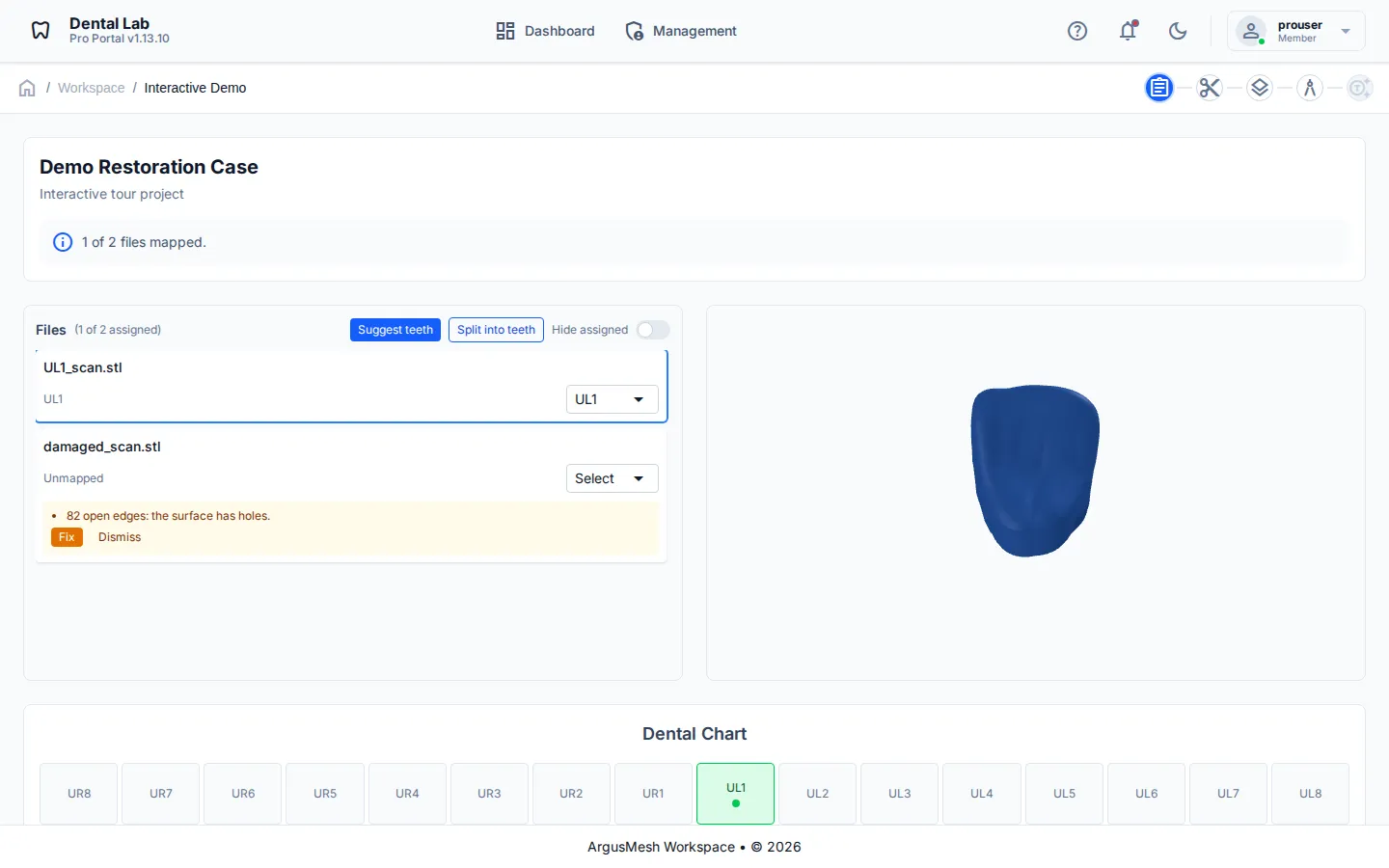
Upload a scan
Drop in your 3D scans and open them straight in the browser viewer.
AI preps the model
Teeth are identified, cut loops suggested and the model oriented, as previews you can check.
Review and refine
Accept, edit or reject each suggestion, then slice and sculpt where the case needs it.
Export to print
Run the print-readiness checks and download an STL package with your naming.
Simple, Transparent Pricing
Start free, then add paid seats as your lab grows. Prices are in USD per seat.
Free
Try the viewer and layering tools on your own scans.
No payment needed
- check 3D viewer and STL, OBJ and PLY loading
- check Layering settings
Standard
Everything you need to take a scan to a printable backside.
Billed annually, $2,400 per seat
- check Everything in Free
- check Backside generation
- check Save and export output
Billed annually per seat. Your subscription renews automatically every year until you cancel. You can cancel at any time under Management > Billing; it then ends at the end of the paid year. Seats for a period that has begun are non-refundable.
Pro
The full workflow, including hands-on sculpting.
Billed annually, $3,600 per seat
- check Everything in Standard
- check Sculpting and cutback step
Billed annually per seat. Your subscription renews automatically every year until you cancel. You can cancel at any time under Management > Billing; it then ends at the end of the paid year. Seats for a period that has begun are non-refundable.
Ready to modernize your lab?
Upload, view, and process your 3D scans in one workspace.